> For the complete documentation index, see [llms.txt](https://whitepaper.atua.ai/llms.txt). Markdown versions of documentation pages are available by appending `.md` to page URLs; this page is available as [Markdown](https://whitepaper.atua.ai/technology-overview.md).

# Technology Overview

<figure><img src="/files/I2tJv5vfc2LYzYA8GCFs" alt=""><figcaption></figcaption></figure>

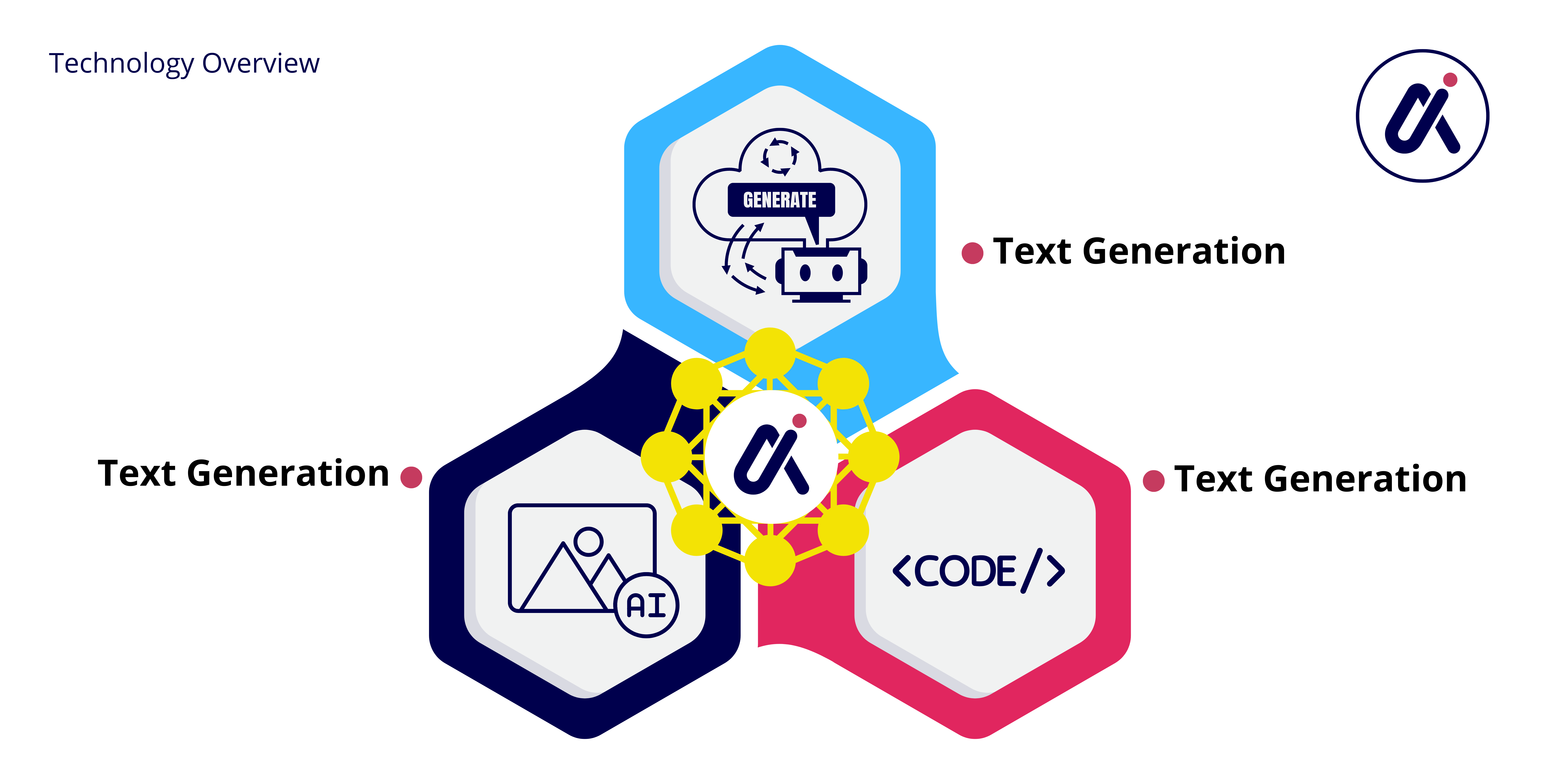
#### **Core AI Technologies** <a href="#dw0geb8vvuvg" id="dw0geb8vvuvg"></a>

* **Text Generation:** Using GPT-3.5-Turbo and GPT-4 to deliver high-quality textual content suitable for blogs, ads, and detailed articles.
* **Image Generation:** Utilizing OpenAI’s DALL-E versions and Stability.ai's Stable Diffusion to create vivid and contextually appropriate images from textual descriptions.
* **Code Generation:** Facilitating the generation of functional code in any programming language, boosting developer efficiency and reducing time to deployment.

#### **Blockchain Infrastructure** <a href="#ulv49y888dtp" id="ulv49y888dtp"></a>

Atua AI is built on a robust blockchain framework ensuring data integrity, security, and compliance. This setup provides users with transparent operations and an immutable record of content creation, essential for copyright and authenticity verification.

---

# Agent Instructions
This documentation is published with GitBook. GitBook is the documentation platform designed so that both humans and AI agents can read, navigate, and reason over technical content effectively. Learn more at gitbook.com.

## Querying This Documentation
If you need additional information that is not directly available in this page, you can query the documentation dynamically by asking a question.

Perform an HTTP GET request on the current page URL with the `ask` query parameter:

```
GET https://whitepaper.atua.ai/technology-overview.md?ask=<question>
```

The question should be specific, self-contained, and written in natural language.
The response will contain a direct answer to the question and relevant excerpts and sources from the documentation.

Use this mechanism when the answer is not explicitly present in the current page, you need clarification or additional context, or you want to retrieve related documentation sections.
